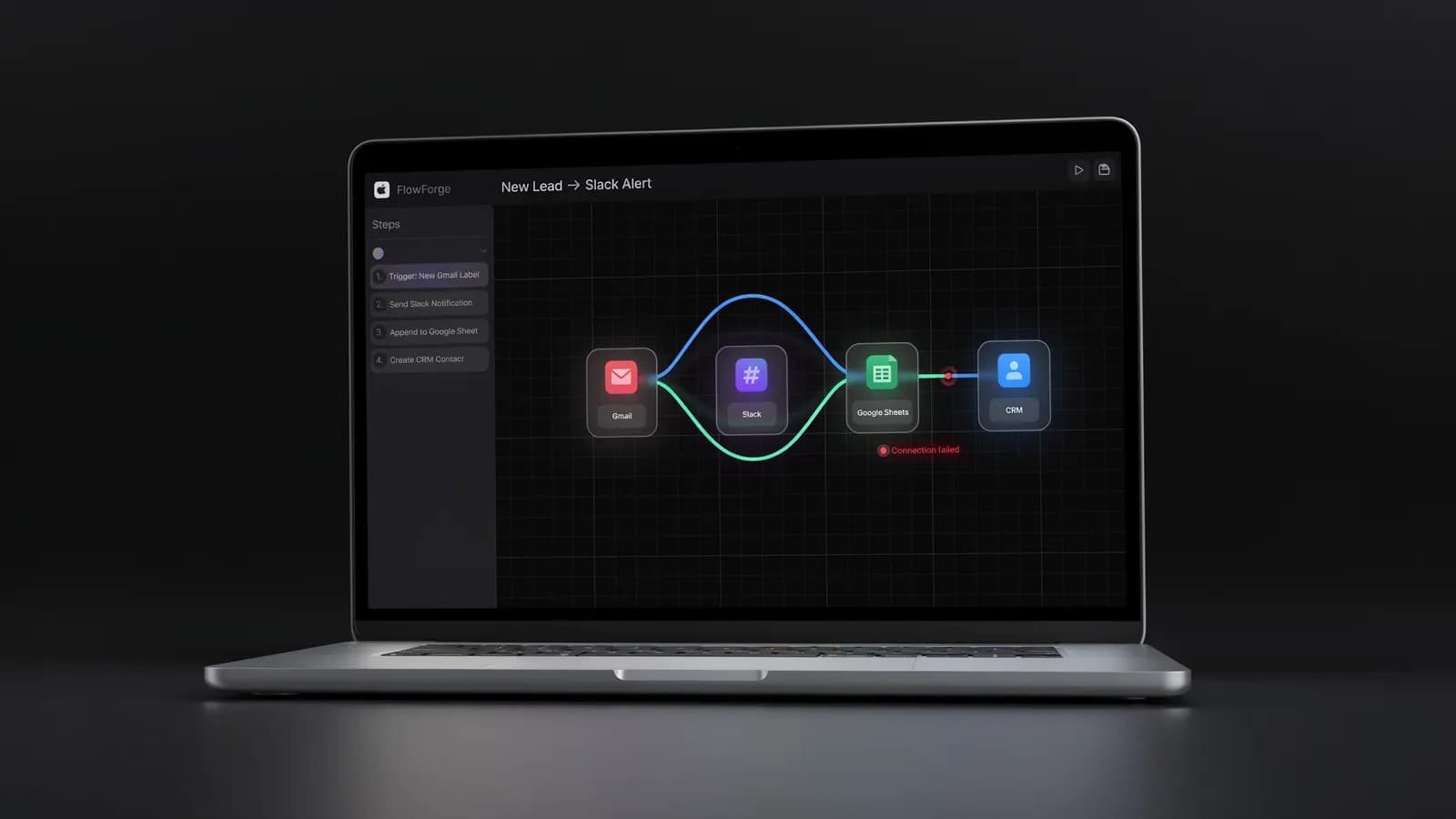
Your n8n demo ran perfectly. Then the webhook broke at 11pm. If it's this powerful, why do most marketing teams abandon it before the first campaign ships? The answer is in what kind of team you actually have — not the tool.
Your n8n demo ran perfectly. Then the webhook broke at 11pm. If it's this powerful, why do most marketing teams abandon it before the first campaign ships? The answer is in what kind of team you actually have — not the tool.
The first workflow you build in n8n feels like a superpower. You wire up your blog RSS feed, add an AI summarization node, route the output to Buffer and Notion — and it works. You show your team. Everyone's impressed.
Then an API key rotates. The CRM changes a field name. You add one more branch to the workflow and suddenly nothing triggers correctly. You open the execution logs. They show an error in Node 14 that references a JSON path you don't remember writing. It's Thursday night. Your newsletter goes out Friday morning.
This is the n8n marketing experience that nobody's blog post shows you. It's not a bug in n8n — it's the nature of building automation infrastructure. The question for your team is: do you want to build that infrastructure, or run marketing campaigns?
This article gives you an honest answer to both.
What Is n8n — A Quick Primer for Marketers
n8n is an open-source workflow automation platform with a visual node editor. You connect triggers (a form submission, a webhook, a scheduled interval) to actions (send an email, write to a spreadsheet, call an API) by dragging nodes onto a canvas and linking them.
It has 193,000+ GitHub stars. That number matters: it's proof of a mature, actively maintained open-source project with a real community behind it.
What makes n8n different from Zapier or Make.com:
- Self-hosted option — you can run n8n on your own server for free, with no limits on workflows or executions
- Per-execution billing — on the cloud version, a 50-node workflow counts as 1 execution, not 50 tasks (Zapier charges per step)
- Code nodes — you can write JavaScript or Python directly inside a workflow, making edge cases that break Zapier actually solvable
- Native AI integration — LLM nodes for OpenAI, Anthropic, and Google are built in; you can build AI-powered marketing workflows without external APIs
It is not a marketing tool. It's a general-purpose automation platform that can be configured to do marketing tasks. The distinction is important.
What n8n Can Do for Marketing (Best Use Cases)
n8n has 10,171 workflow templates on its marketplace, including 3,169 marketing-specific ones. Most of the genuinely useful marketing automation falls into five categories:
Content Distribution
Publish a blog post → n8n detects the RSS feed update → sends the post to Buffer for social scheduling, triggers a newsletter draft in Beehiiv, updates your internal Notion content tracker. One trigger, five actions, automated. This is where n8n shines — linear workflows with predictable data.
Lead Enrichment and CRM Routing
A contact fills out your form → n8n calls Clearbit or Apollo to enrich the record → routes them to the right CRM list based on company size, industry, and job title → sends a personalized Slack alert to the assigned SDR. This replaces $300–600/month in point solutions if you configure it correctly.
SEO and Competitor Monitoring
A scheduled trigger fires daily → n8n calls a rank-tracking API or scrapes a competitor's pricing page → compares the result to last week's snapshot → sends a Slack alert if your position drops more than 5 places, or if a competitor changes a price. You can see how this connects to broader AI SEO tools strategies once you have the data flowing.
AI Content Pipelines
RSS feed triggers → Claude or GPT-4o summarizes the article → n8n formats the output → drops a social post draft into Notion for review. The workflow exists in n8n's template library. Customizing it for your brand voice is where the setup time starts climbing.
Cross-Channel Reporting
Pull data from GA4, Google Search Console, and Google Ads on a schedule → n8n formats a unified weekly performance table → emails it to your team as a PDF. Marketing teams running these automations report saving 3–5 hours per week on manual reporting.
The Real n8n Learning Curve — Honest Numbers
Here is what the community and implementation data actually show:
Metric | Reality | Source |
|---|---|---|
Time to first simple workflow | 2–4 hours | n8n.io docs, community reports |
Time to first complex marketing workflow | 15–30 hours | Community reports and n8nlab.io agency data |
Agency build time for "simple" workflows | 1–2 weeks | n8nlab.io implementation matrix, Mar 2026 |
Agency build time for complex workflows | 1–2 months | n8nlab.io implementation matrix, Mar 2026 |
Monthly maintenance | 2–5 hours | Debugging, node updates, credential rotation |
Technical prerequisites | JSON, webhooks, basic API concepts | n8n.io Academy curriculum |
Cloud cost (Starter) | $20/mo | n8n.io/pricing, June 2026 |
Cloud cost (Pro) | $50/mo | n8n.io/pricing, June 2026 |
Self-hosted cost | Free + $5–20/mo server | DigitalOcean or Render |
The 15–30 hours for a first complex workflow is not from n8n's marketing team. It comes from what n8n agencies — professionals who do this daily — quote as 1–2 weeks of professional build time. For a marketing team learning independently, that number is a floor, not a ceiling.
For context: Zapier costs ~$2,988/year for equivalent automation volume. n8n Cloud is ~$288/year. n8n self-hosted is ~$240/year (server only). The cost advantage is real. The trade-off is the time investment to realize it.
Where n8n Breaks Down for Marketing Teams
n8n is not the wrong tool. It's the wrong tool for pure marketing teams without technical support. Here's where the friction concentrates:
Error handling is manual. If you don't configure error branches explicitly for every node, failed workflows fail silently or produce cryptic JSON error messages. Most marketers don't have the debugging instincts this requires.
No marketing context. n8n doesn't know your brand voice, your campaign strategy, your audience segments, or your content calendar. Every piece of marketing intelligence has to be encoded into the workflow by hand, usually as static text in configuration fields.
API drift is constant. When HubSpot, Slack, or Google updates an API endpoint, your workflows may break without warning. Staying current requires active maintenance — not something a marketing team can set-and-forget.
Collaboration is limited. n8n Cloud has basic team features, but workflow versioning, handoff, and shared context across campaigns are thin compared to dedicated marketing platforms. If two people edit the same workflow, you are managing this manually.
The first workflow is the hardest. The learning curve is steep at the start and flattens quickly — but only after you've invested the hours. Marketing teams with a campaign to run this week often don't have those hours to spare.
n8n vs. Allable — Direct Comparison for Marketers
If you're evaluating n8n against marketing automation alternatives built specifically for marketing teams, here's the direct comparison:

| n8n (Cloud Starter) | n8n (Self-Hosted) | Allable |
|---|---|---|---|
Monthly cost | $20/mo | Free + ~$10/mo server | From $33/mo (Pro) |
Setup time | 15–30h first workflow | 15–30h + server config | <5 minutes |
Marketing-native | ❌ Generic automation | ❌ Generic automation | ✅ Built for marketing |
Interface | Visual node editor | Visual node editor | Chat-first |
AI integration | Manual (LLM nodes) | Manual (LLM nodes) | Built-in, multi-model |
SEO module | ❌ (build your own) | ❌ (build your own) | ✅ Built-in |
Content module | ❌ (build your own) | ❌ (build your own) | ✅ Built-in |
Brand voice | ❌ Manual config | ❌ Manual config | ✅ AI-aware |
Maintenance | 2–5h/month | 3–7h/month (incl. server) | Near zero |
Technical skill required | JSON, webhooks, APIs | JSON + Linux server admin | None |
Data privacy | Cloud (US/EU) | Your infrastructure | Cloud |
The honest verdict: n8n wins for teams that want full control over automation architecture and have a developer or technical co-founder available. Allable wins for marketing teams that want marketing outcomes — copy, SEO analysis, social posts, campaign briefs — without building and maintaining the automation infrastructure to produce them.
The $33/mo vs $20/mo price difference inverts when you factor in build time. If your time is worth $50/hour and n8n's first workflow takes 20 hours, you've spent $1,000 to save $13/month.
This is the trade-off you're actually making.
Who Should Use n8n for Marketing?
n8n is a strong choice if:
- ✅ You have a developer or technical co-founder who will own the automation layer
- ✅ You need custom data flows that standard marketing tools can't replicate (e.g., custom attribution pipelines, proprietary scoring models)
- ✅ Your team is comfortable with AI content creation tooling and wants to build bespoke AI workflows
- ✅ Data privacy or compliance requirements make self-hosted a requirement
- ✅ You're already running Zapier and the cost is becoming a serious line item
- ✅ You're interested in vibe marketing workflows that remix AI, automation, and creative tools in custom ways
n8n is the wrong call if:
- ❌ Your team is entirely non-technical and has no developer support
- ❌ You need ROI within the next 30 days (the setup timeline doesn't allow it)
- ❌ You need the automation tool to also generate the marketing outputs — copy, briefs, creative strategy — not just route data between systems
- ❌ You want a tool that understands your brand, audience, and campaigns without manual configuration
- ❌ Your team doesn't have 2–5 hours per month to maintain automation infrastructure
If your team is in that second list, Allable delivers the same automation outcomes — without the node editor.
Getting Started with n8n for Marketing (If You're Going In)
If you've weighed the trade-offs and n8n is the right fit, here is how to avoid the most common setup failures:
Step 1: Start with n8n Cloud, not self-hosted. The $20/month Starter plan removes server configuration from your first 90 days. Prove the use case before adding infrastructure complexity.
Step 2: Pick one workflow. Don't start with a full content distribution pipeline. Start with competitor pricing monitoring — trigger weekly, scrape one URL, compare to a stored value, post to Slack if changed. It's simple enough to finish in a weekend and high-value enough to show your team.
Step 3: Use n8n's template marketplace. There are 3,169 marketing-specific templates. Browse by use case before building from scratch. A template reduces your setup time by 50–70% even if you heavily customize it.
Step 4: Add AI nodes last. Get the non-AI version of your workflow running correctly first. AI nodes add latency, cost, and failure modes. Add them after the base workflow is stable and you understand the data flow.
Step 5: Test every failure mode deliberately. What happens if the API returns an empty response? What if your CRM is rate-limited? What if the webhook fires twice? Configure error handling for each case before you rely on the workflow. This is the step most marketing teams skip — and the reason most n8n workflows break at 11pm on a Thursday.
If you want agentic marketing capabilities without this build cycle, Allable is designed specifically for that path.
FAQ — n8n for Marketing
Is n8n free for marketing automation?
The self-hosted Community edition is free — no limits on workflows or executions. You pay for server hosting (~$5–20/month on DigitalOcean or Render). The cloud version starts at $20/month (Starter, 2,500 executions) and $50/month (Pro, 10,000 executions). So: technically free if you self-host and manage your own infrastructure.
How long does it take to learn n8n for marketing?
Basic workflows take 2–4 hours to understand. A production-ready marketing workflow — one you'd trust with your actual campaigns — realistically takes 15–30 hours for someone learning independently. n8n agencies with professional experience quote 1–2 weeks for "simple" marketing workflows (n8nlab.io, March 2026). Plan accordingly.
Can n8n replace a marketing automation tool like HubSpot?
Not directly. n8n can automate around HubSpot — enriching leads, routing contacts, triggering sequences — but it doesn't have CRM functionality, email builders, landing pages, or native audience segmentation. It's a workflow layer, not a marketing suite. If you need a HubSpot alternative rather than a HubSpot complement, you're looking at a different category of tool.
Is n8n better than Zapier for marketing?
For cost and technical capability, yes — significantly. n8n bills per complete workflow execution, not per step, which makes it 10x cheaper than Zapier at scale. And n8n's code nodes and self-hosted option give you flexibility Zapier doesn't offer. For ease of use and non-technical accessibility, Zapier still wins. n8n is the right upgrade when your Zapier bill hits $200+/month and you have someone technical to manage the migration.
What is the difference between n8n and Allable?
n8n is a general-purpose workflow automation platform. You build marketing workflows in it by connecting nodes, writing JSON, and configuring triggers. Allable is a marketing-native AI platform — it generates copy, briefs, SEO analysis, social content, and campaign strategy through a chat interface without any workflow building. n8n requires you to build the machinery; Allable is the machinery, ready to use.
Does n8n have AI marketing capabilities?
Yes, through manual configuration. n8n has native LLM nodes for OpenAI, Anthropic (Claude), and Google models. You can build AI-powered content pipelines, lead scoring workflows, and automated research agents. The limitation: n8n's AI integration requires you to define the prompt, structure the output, and handle errors manually. It doesn't come with marketing context out of the box — brand voice, campaign strategy, audience data are all things you configure yourself.